
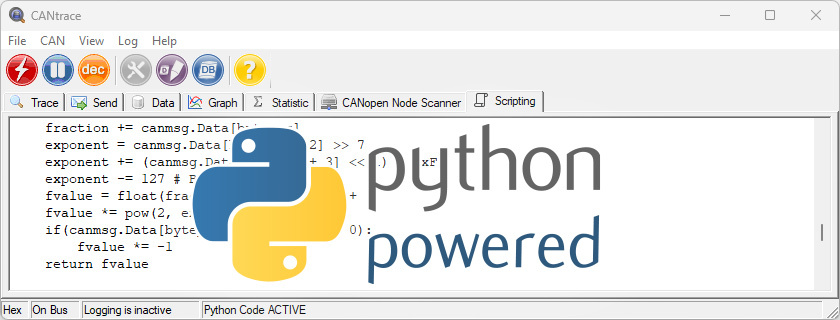
TKE completed a customer project that utilized CANtrace python scripting to decode float signals from channel multiplexed CAN messages
The project improved CAN bus data analysis, signal readability, and custom data processing workflows. TKE solved complex CAN signal processing challenges with customized CANtrace automation.
Advanced CAN signal processing with Python
The customer needed a solution that could decode float signals from multiplexed CAN messages and convert them into fixed point values for easier analysis and transmission. TKE developed custom Python scripts in CANtrace to automate the signal conversion process in real time.
The solution converted the signals to fixed point values and transmitted them without multiplexing on a virtual CAN channel, allowing the data to be plotted and logged like standard CAN signals. TKE also used Python code to log CAN channel data into multiple CSV files for spreadsheet analysis.
In summary,
- Decoded multiplexed CAN signals
- Converted float signals to fixed point values
- Transmitted converted signals on a virtual CAN channel
- Generated custom CSV log files for further analysis
Custom Python scripting for float-to-fixed point conversion and custom log file generation
One of our main challenges was decoding float signals from a channel multiplexed CAN message, converting them into fixed point values, and transmitting the refined data on another virtual CAN channel.
The project aimed to improve CAN data analysis, with a focus on improving the precision and readability of specific signals. TKE developed custom Python scripts to convert float signals into fixed point representations and generate custom log files for data analysis.
At the customer’s request, the team extended the CANtrace Python scripting functionality to support float-to-fixed-point conversion and customized CSV log file generation.
Python script optimization, CSV file generation
TKE developed Python code within CANtrace to decode float signals from channel multiplexed CAN messages. The team implemented an advanced algorithm that converted float signals into fixed point values with high precision and accuracy.
TKE also created a logical framework for transmitting the converted fixed-point signals on a designated virtual CAN channel, facilitating non-multiplexed data transmission.
Python script was extended to save the CAN data, including the newly converted fixed point signals, to CSV files. These files are carefully structured for easy access and are designed to streamline post-processing analysis. This improvement gives our customers significantly better opportunities to analyze special CAN messages in spreadsheets.
TKE also implemented a user-friendly configuration process for signals in both the graph and data tabs. This allows users to easily visualize and analyze the fixed point signals, improving the overall user experience.
Results
The extended Python scripting in CANtrace converted float signals into fixed point values to meet the customer’s requirements. Customized CSV log files improved data analysis and increased the accuracy of signal interpretation for efficient CAN bus analysis.
TKE used the flexibility of CANtrace and its Python scripting capabilities to develop a tailored solution for float-to-fixed-point conversion and automated CSV file generation.
CANtrace’s Python scripting capabilities allow users to decode non-standard data, create advanced data filters and custom log files for interfacing with proprietary systems, simulate CAN nodes, and combine existing CAN bus data into new aggregate signals in real time for quick data analysis.