

CANtrace 5.0
Download CANtrace
Start analyzing
Get started with CANtrace
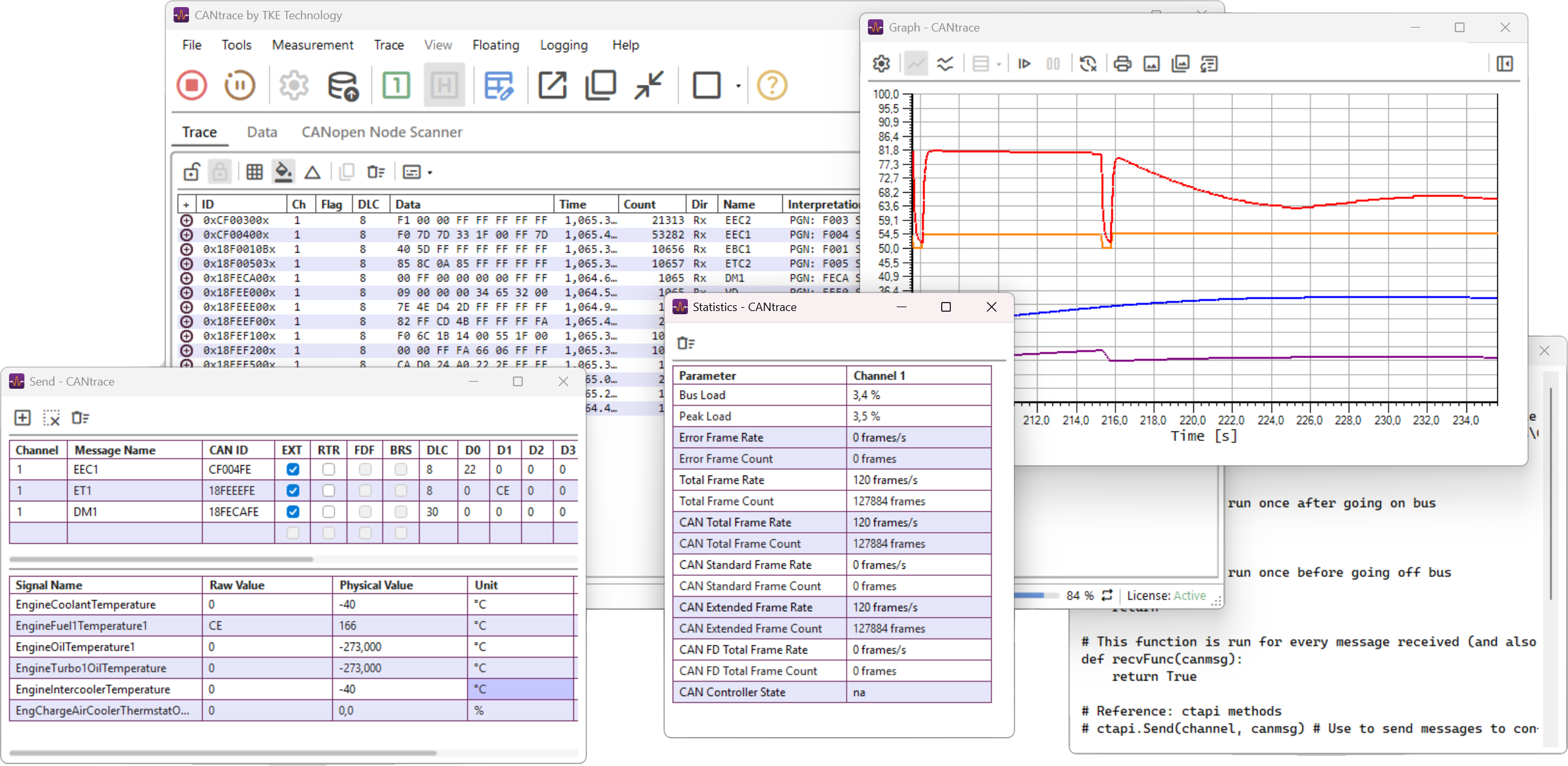
Your next CAN project starts here
Step 02
Set up your interface
Install your CAN interface driver and configure your connection.
Step 03
Activate your licence
Follow the instructions to activate your CANtrace licence.

Latest CANtrace news & releases

CANtrace in Defence
Using TKE CANtrace software in the defence industry provides several significant advantages, especially in terms…

CANtrace tutorials
Let’s introduce a new CANtrace tutorials designed to help you get the most out of…
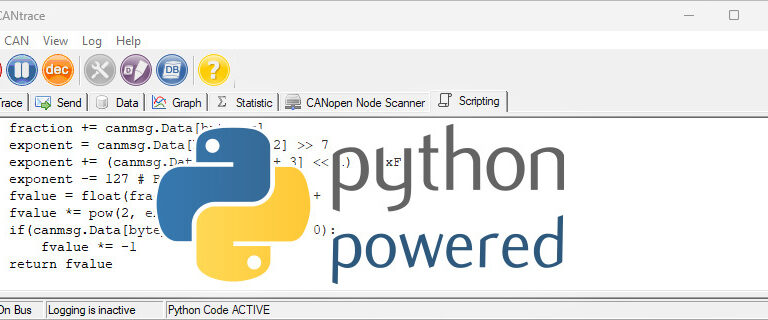
Custom CAN signal processing with CANtrace Python scripting
TKE completed a customer project that utilized CANtrace python scripting to decode float signals from…
Previous versions
Find downloads and release notes for earlier CANtrace releases.
| Version | Download | Release notes |
|---|---|---|
| CANtrace 4.5 | Download | Release notes |
| CANtrace 4.4 | Download | Release notes |
| CANtrace 4.3 | Download | Release notes |
| CANtrace 4.2 | Download | Release notes |
| CANtrace 4.1 | Download | Release notes |
| CANtrace 4.0 | Download | Release notes |
| CANtrace 3.18 | Download | Release notes |
| CANtrace 3.17 | Download | Release notes |
| CANtrace 3.16 | Download | Release notes |
| CANtrace 3.15 | Download | Release notes |
| CANtrace 3.14 | Download | Release notes |

Olli Inkinen
Software Engineer

Rickard Bäckman
Software Engineer